

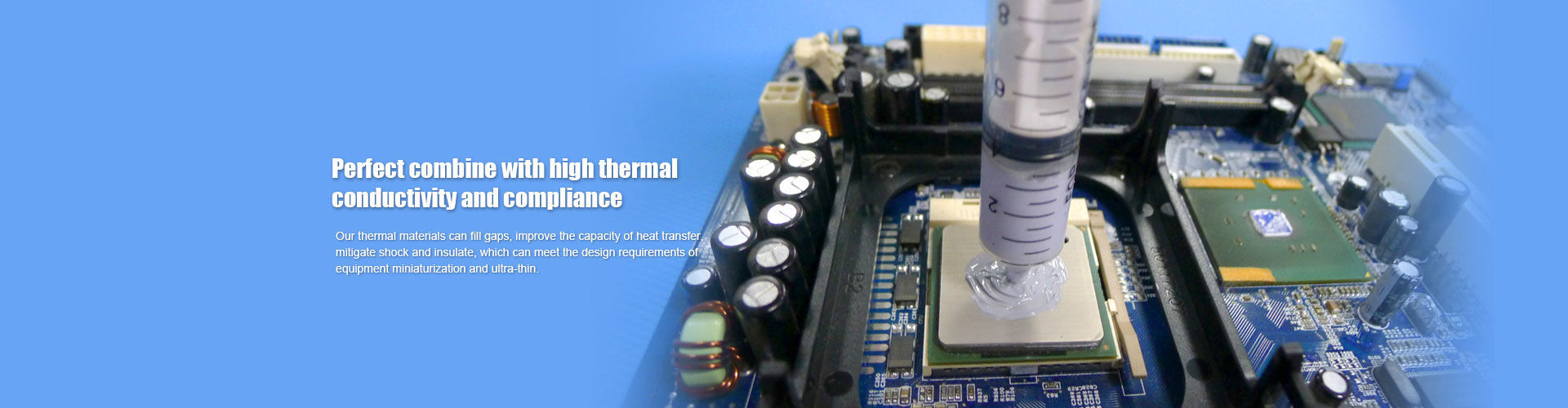
How to Choose Thermally Conductive Silicone Pad, Silicone Cloth, and Graphene Heat Spreader? FAQ and Practical Tips
Many hardware engineers and DIY enthusiasts are often confused about whether to use a thermally conductive silicone pad, thermally conductive silicone cloth, or a graphene heat spreader when designing a cooling solution. This article avoids complicated formulas and speaks plainly: what problems do they solve? What parameters should you check before buying? What pitfalls to avoid during installation? After reading, you will be ready to order.
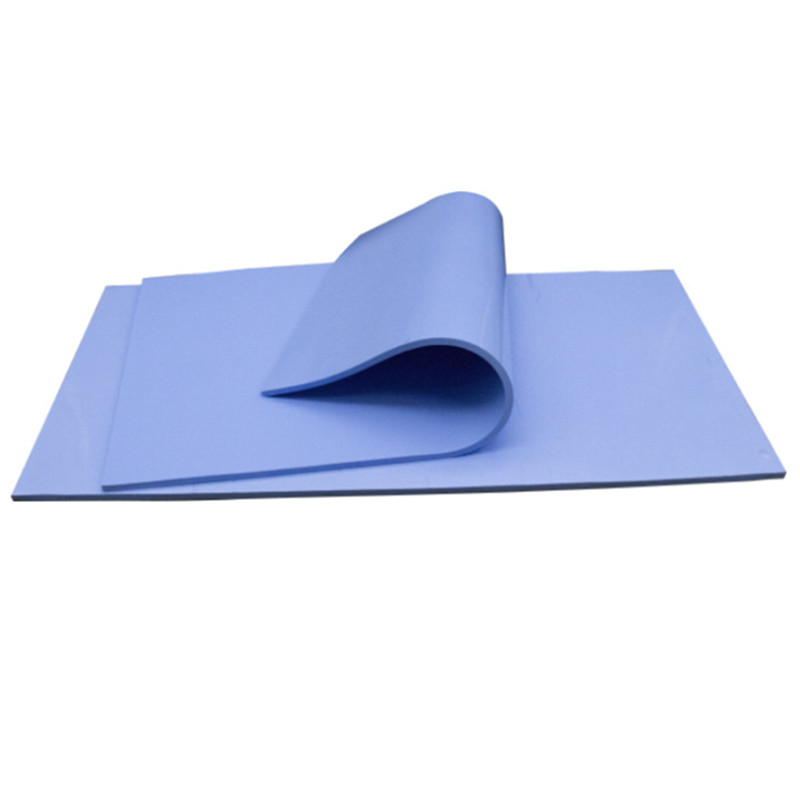
1. Thermally Conductive Silicone Pad: The All‑Rounder
A thermally conductive silicone pad is like a soft piece of putty that can fill any uneven gap. For example, if your chip is shorter than the heatsink or if there are height variations on the PCB, using a silicone pad is the easiest choice. It is electrically insulating and also provides vibration damping, so it is commonly found on router chips, LED light boards, and SSD controllers. When buying, focus on two numbers: thermal conductivity (W/m·K) and hardness (Shore 00). For ordinary electronics, 2–3 W/m·K is sufficient; for high‑power amplifiers or servers, choose 5 W/m·K or higher. Lower hardness means softer material and better gap filling, but too soft may cause extrusion under pressure. Thickness selection principle: after compression, the pad thickness should be 70%–90% of the gap.
2. Thermally Conductive Silicone Cloth: The Insulation King
Thermally conductive silicone cloth feels like a thin rubber fabric with glass fiber inside, making it very tear‑resistant. Its thermal conductivity is usually lower than that of silicone pads, but its insulation performance is unmatched – it can withstand thousands or even tens of thousands of volts. Therefore, when mounting heatsinks on IGBTs in EV chargers or inverters, you must use silicone cloth because ordinary silicone pads may break down under high voltage. Also, silicone cloth is very thin (0.2–0.5mm), making it suitable for applications with almost no gap. The downside is that it is hard and inelastic. If your chip and heatsink are not perfectly parallel, the cloth will not make good contact, and air gaps will degrade performance. Pro tip: apply an extremely thin layer of thermal grease on both sides of the silicone cloth to significantly reduce contact resistance.
3. Graphene Heat Spreader: The Hot‑Spot Killer
A graphene heat spreader looks like a glossy black sheet of paper and is very lightweight. It excels at spreading a small‑area high temperature over a large surface. For instance, attach a graphene sheet on a smartphone processor, and heat quickly spreads across the entire back panel, so you don’t feel a concentrated hot spot. However, it is electrically conductive! Never stick it directly on exposed circuit pads or pins, or you will cause a short circuit and damage the device. In many phones, the graphene sheet is wrapped with an insulating film. Graphene spreaders are also brittle – they may crack if folded, so handle gently. They are not suitable as a direct gap‑filling thermal pad because through‑plane conductivity is poor. Correct usage: apply the graphene spreader first, then add a silicone pad or cloth on top.
4. Three Common Misconceptions
Misconception 1: Higher thermal conductivity is always better? No. If contact pressure is low or surfaces are rough, an ultra‑high‑conductivity but hard material cannot conform properly, and the actual performance will be worse than a softer pad with lower conductivity.
Misconception 2: Silicone cloth can replace a silicone pad? No. Their compression characteristics are completely opposite. Forcing a cloth into a large gap may crush the chip when tightening the heatsink.
Misconception 3: More layers of graphene spreader are better? Also no. Thermal resistance between multiple graphene layers is high; stacking two layers provides almost no improvement but adds cost.
5. One‑Table Selection Guide
| Your Requirement | Preferred Material |
|---|---|
| Large gap (>0.5mm), vibration present | Thermally conductive silicone pad |
| High‑voltage safety certification required | Thermally conductive silicone cloth |
| Concentrated hot spot, need fast heat spreading | Graphene heat spreader (mind insulation) |
| Need both insulation and heat spreading | Graphene + silicone pad combination |
| Ultra‑low cost, temporary testing | Thermal grease (not covered here) |
6. Installation Tips
Clean dust and oil from all surfaces before application.
After removing the release liner from a silicone pad, do not touch the surface with bare fingers – fingerprints affect contact.
Use a sharp utility knife to cut silicone cloth, avoiding pulling to prevent exposed glass fibers.
Cut graphene spreaders with scissors; the edges may shed some powder – wipe clean with alcohol.
Conclusion: Thermally conductive silicone pads handle gap filling and cushioning; silicone cloth handles high‑voltage insulation; graphene heat spreaders handle lateral heat spreading. None is inherently superior; each has its best‑fit scenario. Based on your equipment’s space, voltage level, and hot‑spot distribution, pick the right match.
 PORON Foam vs Rogers Foam: Tec
How to Choose Thermally Conduc
PORON Foam vs Rogers Foam: Tec
How to Choose Thermally Conduc
 Technical Parameter Comparison
 PET Mylar Sheet and Mylar Pape